

/. What it shows depends on your role: an administrator sees the whole
cluster, an operator sees their own share of it.
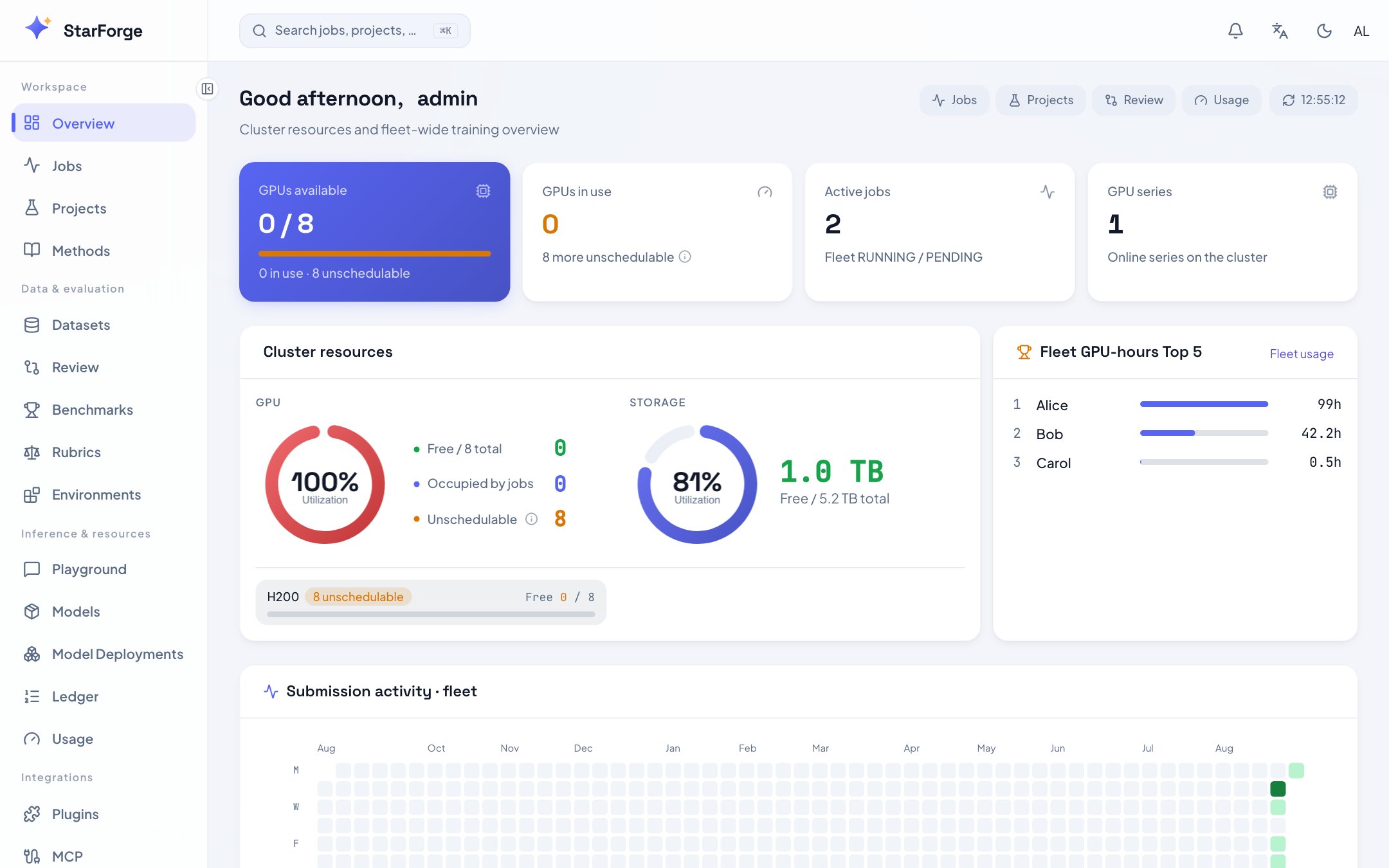
Cluster GPUs by series, fleet GPU-hours, and the submission heatmap.
What you see
Unschedulable is not the same as busy. A card lands there when health checks found pending ECC
retirements or uncorrected errors, or when a process outside the platform is holding it: somebody
logged into the node and started a notebook. Capacity says which.
What you can do
- Click any active job to open its detail view.
- Click a series name to see the profiles built on it.
- Follow Quota and usage for the longer view: Usage.