

/playground. A session has a TTL and is reclaimed on its own.
For a stable endpoint with tokens, recovery and revisions, use a
Model Deployment instead.
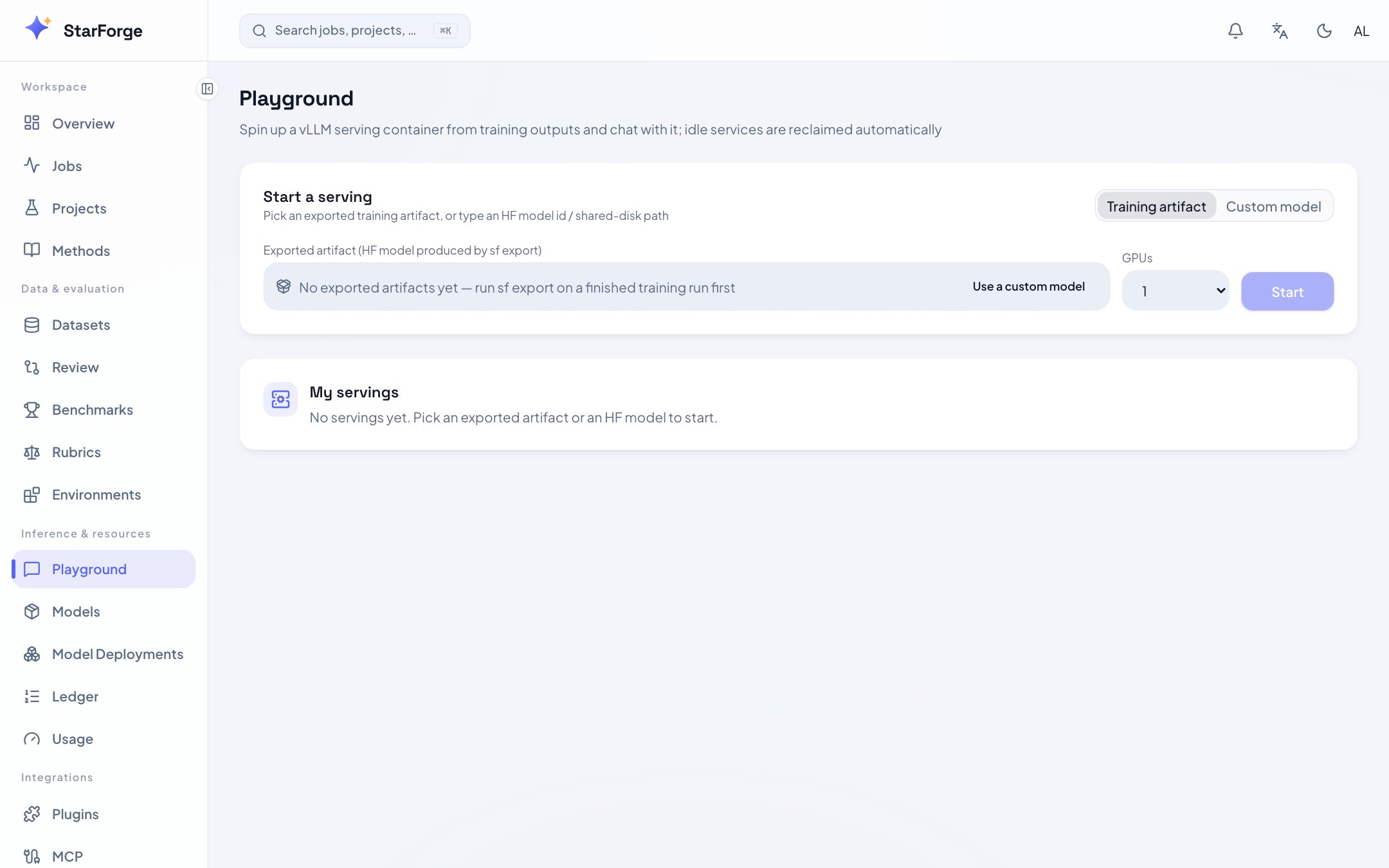
Playground: start a vLLM service from a training export or an HF id.
What you can do
Start a session
- Choose a model: the training artifacts dropdown (runs with an hf_export), or directly enter an HF id / shared-storage path;
- Choose GPU count (= tensor parallelism) and TTL;
- Launch. The status card updates in real time: starting → ready → remaining TTL.
Chat
Streaming output, with a system prompt, temperature and max tokens you can change between turns. The conversation lives on the page and nowhere else: a refresh clears it, and nothing is stored. Use a Model Deployment with Reflow when you want the exchange kept.Compare two side by side
Pick two ready services side by side: the same input is sent to both simultaneously and the outputs render in parallel — alignment differences between SFT vs GRPO, or v1 vs v2, become directly visible.Manage your sessions
The page lists all of my services: endpoint address, GPUs occupied, remaining TTL, renew / stop buttons. Services are automatically reclaimed when their TTL expires (guarding against “started it and forgot to shut it down”).When the page is not there
The Playground is a premium feature an administrator enables per role, and it runs only onnode and kubernetes Fleets. Node sessions reserve a host port and report the selected Node’s workload address; the control plane must be able to reach that address and port. Slurm is unsupported.