

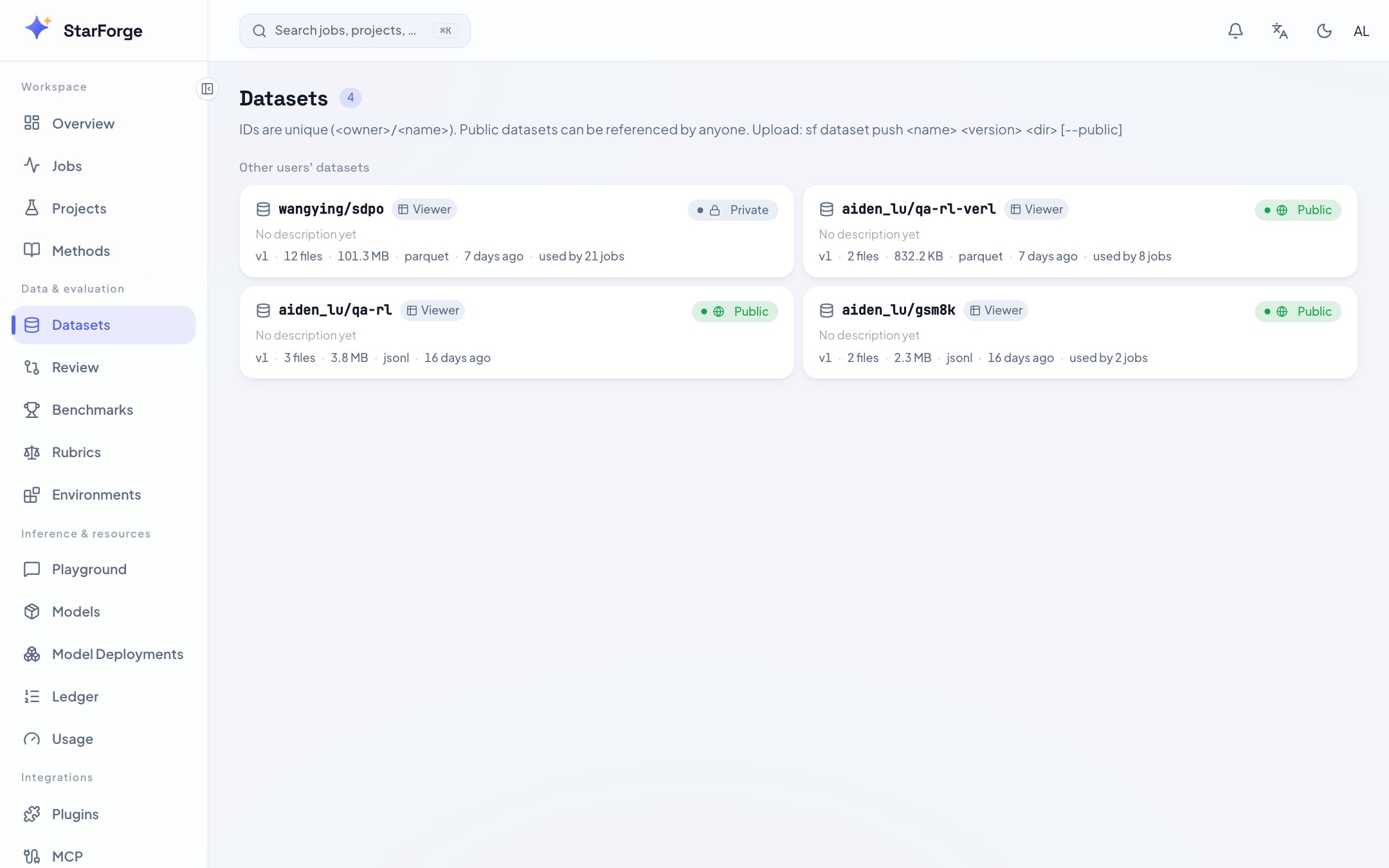
Dataset versions with file manifests and quality metrics.
/data: datasets identify fixed input versions, volumes expose the
current contents of a directory, and governance rules manage detection definitions.
Datasets and volumes can supply training, evaluation and preprocessing jobs.
The old
/datasets and /volumes links land here.
Each detail page shows a copyable Job reference and a Usage guide. Dataset
guidance follows the selected version and file; volume guidance follows the current
directory. Code examples expand on demand so the files remain easy to browse.
The Datasets tab
Governance rules
Open Data → Governance rules, enter the project key (for example@alice/support), select its training or evaluation purpose, then choose Open rules.
This tab requires the data governance entitlement and project management permission.
A project’s public visibility does not expose its dictionaries or test inputs.
- Use Create a dictionary draft to enter a category ID, concrete field path and one term per line. Provide one term as the positive example and synthetic text containing no term as the negative example. Prepare document starts a new revision; review it before saving. Use the document editor for multiple categories, regexes, scoped exceptions and additional fixtures. Expected offsets are UTF-8 bytes.
- Enter a change reason and Save new revision. Saved versions are immutable: later edits create another revision. Run fixtures executes the real Rust matcher in a bounded CPU subprocess. Results must match exactly, with positive and negative fixtures for every category, before publication is allowed.
- A different administrator opens the saved revision, reviews its definitions, fixture results and comparison with the current publication, records a reason and selects Publish rules. If another reviewer publishes first, reload and review again. The original author cannot approve their own version.
- To restore a previous publication, open that saved revision, rerun fixtures if the runtime changed, and select Roll back to this revision. Rollback retains the intervening history and requires the same independent review.
Publishing a rule revision does not activate strict data policy, inspect a dataset,
change existing scan plans or approve training inputs. Passing synthetic fixtures is
a regression check, not a full-data scan or a detector precision/recall measurement.
The dataset scan badge below still describes its sampled coverage.
Sensitive-data scan coverage
The scan badge describes a text sample. It does not cover images, OCR, audio or video, and it is not proof that the full version passed inspection. The API marks this evidence ascoverage: sampled (or unknown when nothing was read)
and satisfies_full_coverage: false. These fields do not change the existing
deployment-wide reporting policy into strict governance.
Finding counts take precedence over a conflicting clean label. Missing coverage
is shown explicitly. Rule counts remain visible where permitted; protected
datasets continue withholding excerpts. Use a Processing Run to create a new
version when treatment is needed; a report does not rewrite the source.
The quality report
Computed once, at push time, over the full dataset — sampled only for very large ones. It counts what a machine can count and does not pretend to judge content.Protected datasets
A dataset can be governed so that a trainer may use it without being able to read it. On such a dataset the console shows identity, version, schema, lineage and authorisation state — and no preview, no sample records, and no download. That is enforced on the server, not by hiding buttons. Logs, validation samples and artifacts are covered by the same policy, so they cannot become an alternative export path.Uploading from the console
Upload dataset on the dataset list creates a dataset and its first version; Upload a version on a dataset page adds one to an existing dataset. Both ask the same three thingstp dataset push
does — which dataset, which version, which files — and both send the bytes straight to object
storage on a presigned URL. index.json, which is what makes a version complete and therefore
immutable, is written only after every file has landed: an interrupted upload leaves the version
number free rather than a version that claims to be finished.
A README.md among the files is published as the dataset card, exactly as a CLI push does it.
The quality report and the contamination fingerprint are not computed in the browser — a tab will
not read gigabytes to slice n-grams. A worker computes them from the bucket shortly after the
version appears, in the same pass that scans it, and writes them beside the version where a CLI
push would have. Past a per-version read budget the report marks itself sampled rather than
publishing a duplicate rate measured over part of a file.
A console upload refuses a file over 512 MB: a browser has to hold a whole file in memory to
checksum it, and the checksum is what the job side verifies a download against.
tp dataset push
streams, so it has no such limit — and it computes both reports over everything at push time
rather than up to a budget afterwards.What you can do
- Reference a version in a config or with
--train-dataset. - Push a new version from this page, or with
tp dataset push. - Check quality before pushing with
tp dataset checkandtp dataset quality.
The Volumes tab
A Volume is a named directory a job reads through a read-only mount. It has no versions: files are added and removed in place, and a reference names the volume rather than a snapshot of it.
What is never there: a bulk download, a convenience endpoint, or a preview at any setting when
the owner has not turned it on. Listing structure is not the same as reading content, and the
split is deliberate — a job can already read every word of a volume it mounts, so hiding the file
names would protect nothing.
A volume’s files are never versioned, so to produce something reproducible from one, run a
Processing Run that publishes a dataset version.