

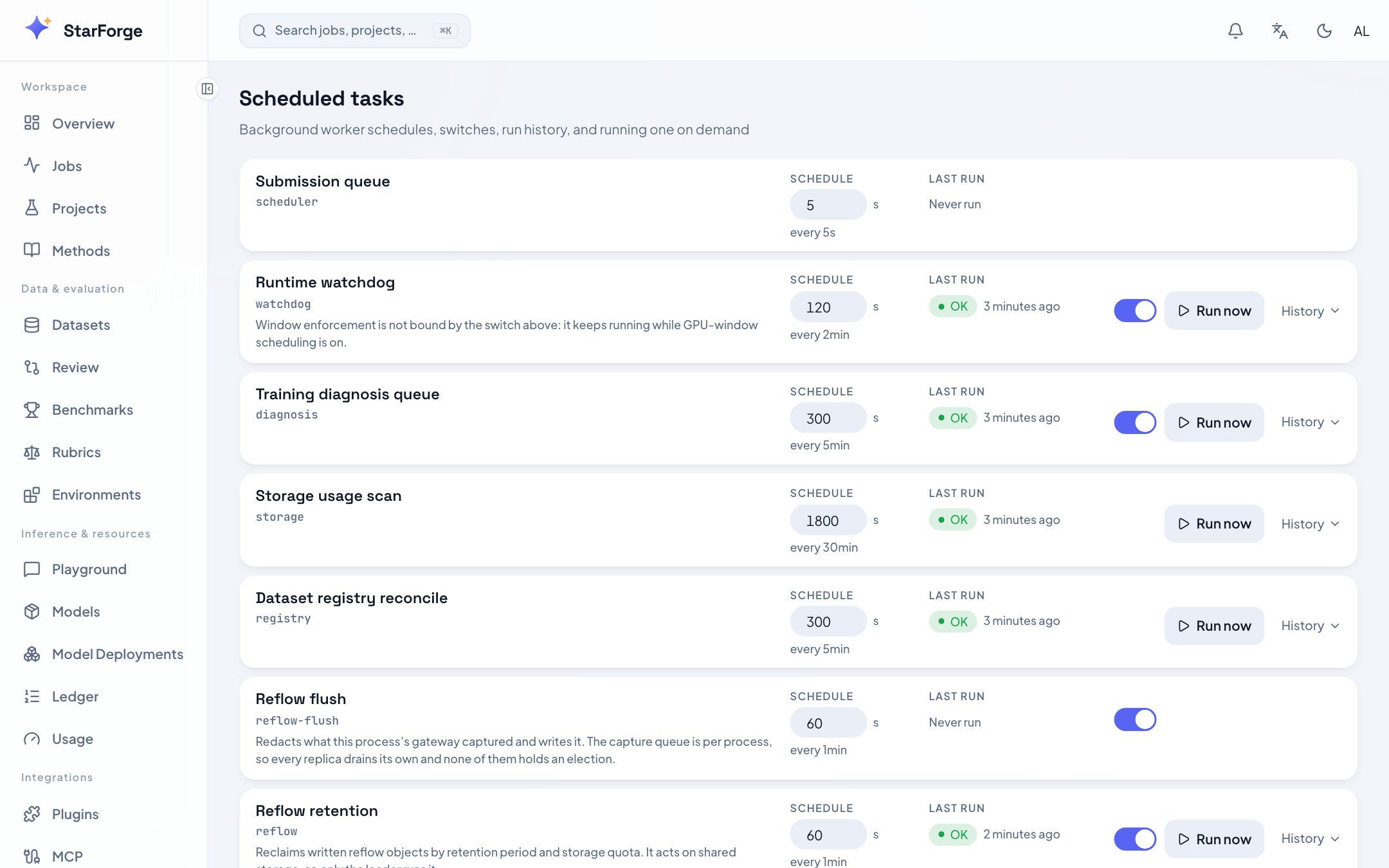
Background task schedules and their run history.
What you see
What you can do
- Edit schedule to choose a fixed interval or cron expression. Internal coordination loops remain interval-only.
- Turn a task off.
- Run now — useful after changing a setting the task reads, rather than waiting out its interval.
- Read the history — recent runs with outcome and duration.
Fixed interval or cron
Use a fixed interval for recurring checks, such as every 60 seconds. Use cron for calendar times, such as0 2 * * * at 02:00 every day or 0 9 * * MON-FRI
at 09:00 on weekdays. Choose an IANA timezone such as Asia/Shanghai; the default
is UTC. Expressions have five fields: minute, hour, day, month, weekday.
Lists, ranges, steps, and three-letter month/weekday names are supported.
Missed triggers during downtime are combined into one run. A task already queued
or running prevents another scheduled invocation. The next trigger is an enqueue
time; a busy worker pool can start execution later. To stop a task without an
enable switch, select fixed interval and set it to zero.
Cron skips nonexistent local times during a daylight-saving jump; repeated local
times are separate UTC occurrences. Daily reports still produce one report per
reporting period, even if their cron expression triggers more often.
Two banners worth understanding
Single instance without Redis
Single instance without Redis
In-process development can run without Redis. Standalone consumers and the
controller require Redis; do not use the development mode for replica scaling.
Workers run in a separate process
Workers run in a separate process
The controller discovers periodic work and workers consume it. Run now queues
a durable request instead of running heavy work in the API. The page shows
queued work before execution begins, then records the run and its outcome.
If work is waiting, check the shared consumer pool and backlog; no per-role
worker assignment is needed.