

/jobs. Click a row for its
detail view.
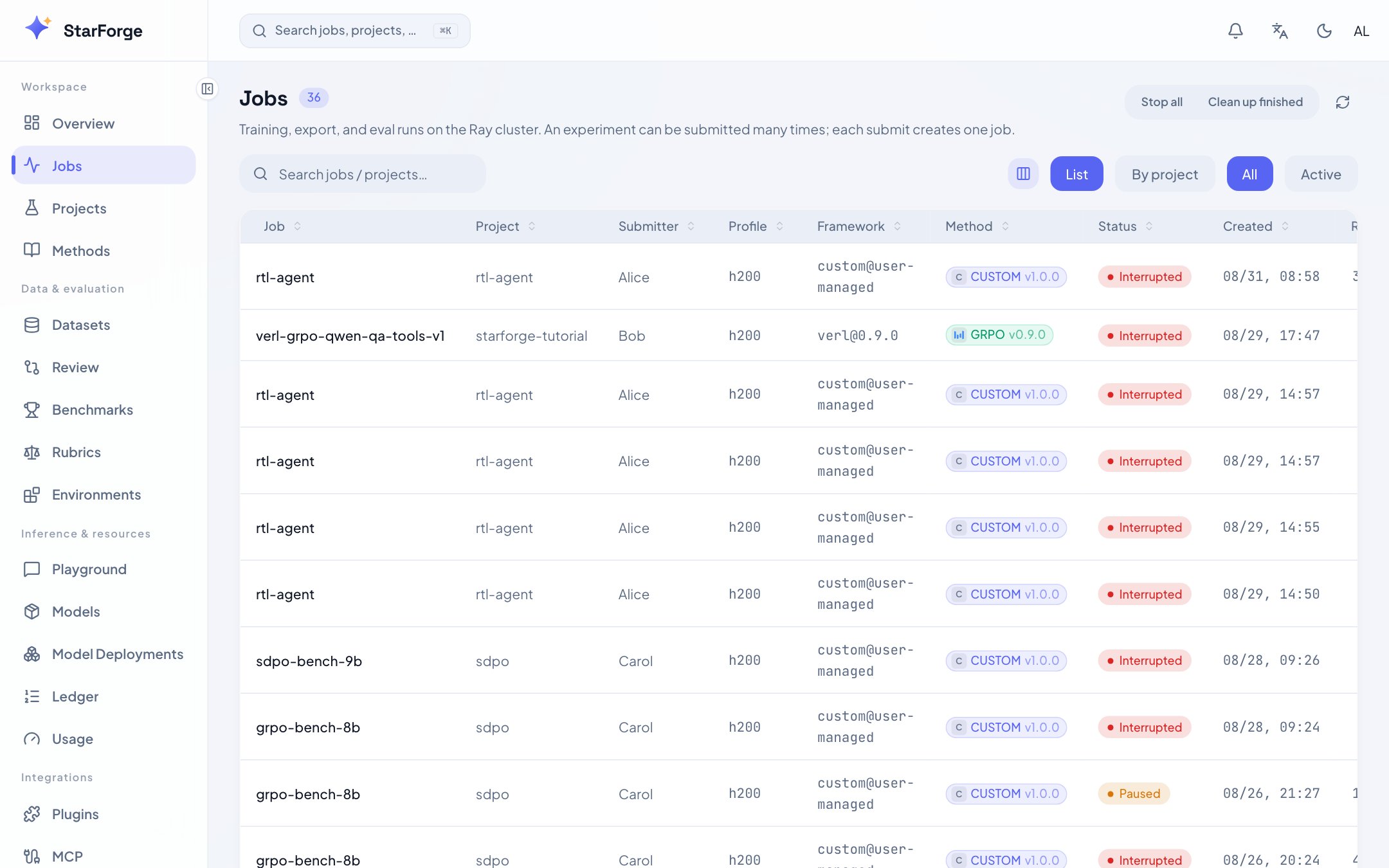
Jobs list. Filter by status or project; click a row for details.
What you see
Filter by status, user or project. The search box matches project, user, run id and profile.
A job the list shows as one row may be a Pipeline of several Steps — one row, with a state
rolled up from them.
partial there means training succeeded and something declared after it did
not happen.
What you can do
Stopping is not a delete. A stopped job keeps its record, its metrics and its artifacts, and can
be retried under the same run id.
The ledger view
?view=ledger switches the same page to the server’s submission record: who submitted what,
when, on which profile, and what became of it.
It used to be its own page at
/runs. Two sidebar entries over one set of records left people
guessing which to open, so it became a view. The old link still lands here.